Password Setup
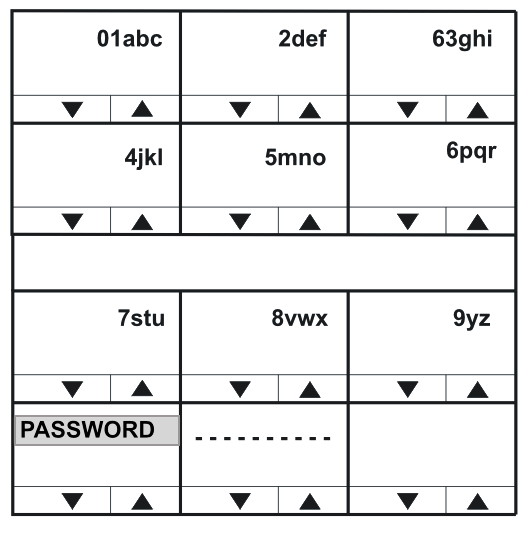
Use the PASSWORD menu to set up the password the panel uses to log into the matrix. The password:
- Must correspond to a password that has already been set up in EHX for a port on an IVC-32 card (Matrix Hardware > Advanced Settings >IP Panel Settings).
- Is a string of up to ten characters (0 to 9 and A to F).
Enter up to ten characters using the up/down volume buttons (lever key and pushbutton panels) or the talk button (rotary panels) to select the characters.
After each character has been selected the input will advance to the next character. Pressing the lever key down, or the pushbutton, or the rotary control will step back to the previous character.
When the password has been set up, exit the menu using the PASSWORD key or talk button.