FIXED GRP menu
The FIXED GRP menu displays a list of all the Fixed Groups available to the panel.
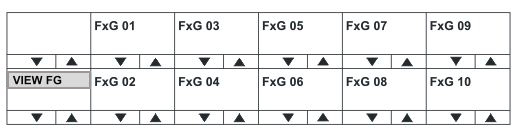
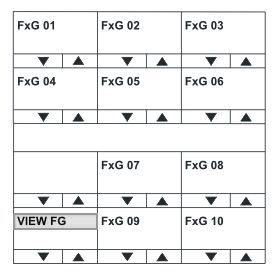
Use the Reply key (VIEW FG) up/down volume buttons or rotary control to scroll through the available fixed groups on the panel display.
Select one of the fixed groups to display the membership for that fixed group.
| Note: | To return to the SYS INFO menu, press the Reply key or Reply key talk button (VIEW FG). |
FG MEMBERS menu
The FG MEMBERS menu displays the members of the Fixed Group that you selected in the main FIXED GRP menu.
Use the volume up/down buttons or rotary control on the Reply key (FG MEMBERS) to scroll through the devices that are members of the fixed group.
| Note: | To return to the FIXED GRP menu, press the Reply key or Reply key talk button (FG MEMBERS). |