Antenna Connections
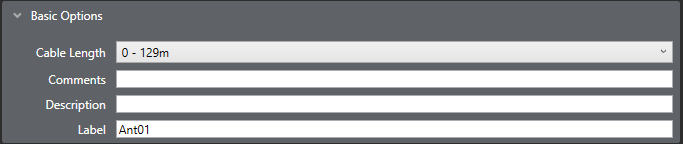
Select the card port to be configured and open Basic Options under Port Properties to set up the port parameters.
Cable length
To set the cable length between the card and the antenna select the Cable Length option and open the drop-down list. Adjust the cable length setting from 0 - 129 to 2860 - 2989.
The length set is displayed next to the option after carrying out a site survey.
Description
Enter an optional description for the antenna such as position or function.
Comments
A scratchpad for engineers to record any relevant information about the port or antenna.
Label
Labels for antennas are only used for diagnostics purposes, such as antenna/role correlation.