Matrix Hardware Setup
To begin configuring the matrix hardware, go to Hardware > Cards and Ports.
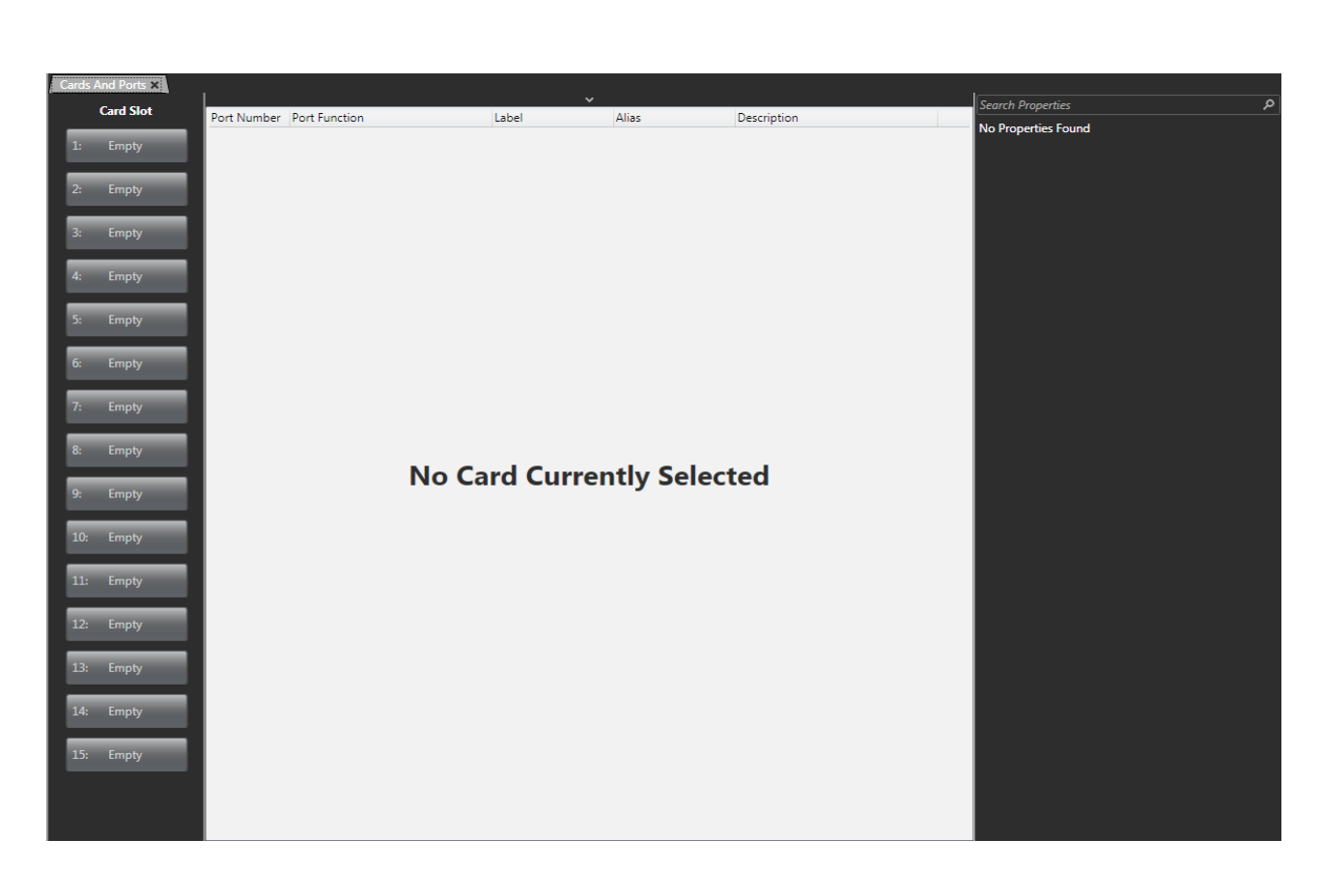
If the matrix is available on the network (the correct firmware has been loaded and the IP address has been set up), the hardware can be auto-detected by clicking Detect New Hardware at the top of the screen.
| Note: | Detect New Hardware is only visible if the Port List Options drop down list at the top of the screen is active. |
From the Cards and Ports screen, you can add cards to the available slots on the matrix. You can choose between the following cards:
-
MVX-A16 cards – used mainly to connect intercom panels and interface cards and four-wire devices to the matrix
-
E-Que cards – used to connect wireless intercom systems such as FreeSpeak II and for E1/T1 connection between matrices.
-
E-IPA-HX cards – used to connect:
-
IVC ports
-
FSII IP transceivers (IPTs), FS-Edge transceivers
-
V-Series IrisX panels. This can be a combination of up to 64 IP ports or FreeSpeak II wireless beltpack connections (according to license).
-
LQ Series units
-
This card can also be used to send and receive AES67 streams to and from third party SMPTE 2110 compatible devices
-
This card can be put into E1 mode and used for E1 transmission to FreeSpeak II transceivers (card must have at least 32 ports licensed)
-
Connection between matrices
-
Can be connected to SIP servers for SIP telephony
-
-
IVC-32 cards – used to connect IP-enabled V-Series panels, Concert, Agent-IC/Station-IC Virtual Clients and LQ Series devices.
-
LMC-64 cards – used to allow audio level metering data to Dynam-EC clients over an IP network.
-
E-FIB cards – used to provide fiber trunking between matrices.
-
E-MADI cards – used to provide up to 64 duplex MADI channels or used to connect V-Series panels over AES-3 (ProGrid) networks.
-
E-DANTE cards – used to provide up to 64 channels of audio networking using Dante/AES67 network protocols and software, so that you can transport many channels of high-quality audio via a Clear-Com matrix to multiple Dante/AES67 enabled devices.
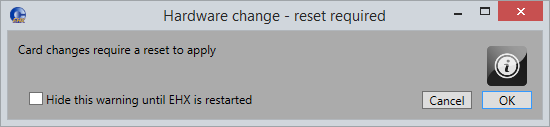
| Note: | When you add or remove a card in your configuration, the following message appears: |