Saving a Project
To save the project, select File > Save Project (Ctrl-S).
Save project as
-
To change the name or details of a configuration you want to save, select File > Save Project As.
-
In Client-Only mode, a standard Windows Save As dialog is displayed. Enter a project name and click Save.
-
In Client-Server mode, the Save Project dialog is displayed. Change the name and/ or description of the project and then click Save.
Note: Client-Server mode only: Save saves changes to the EHX database but does not apply the configuration to the Eclipse HX matrix.
Save Dynam-EC information
You can save a file that holds the project information required for Dynam-EC to link to frames in the project.
-
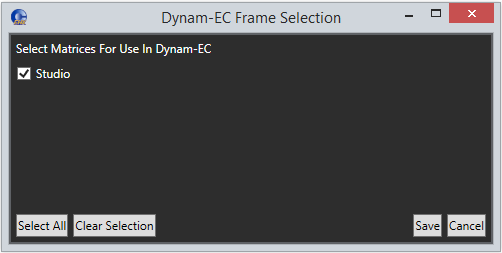
Select File > Save Dynam-EC Information.
-
Select the required matrix or matrices.
Note: To select all the matrices in the configuration, click Select All.