Matrix Event Log
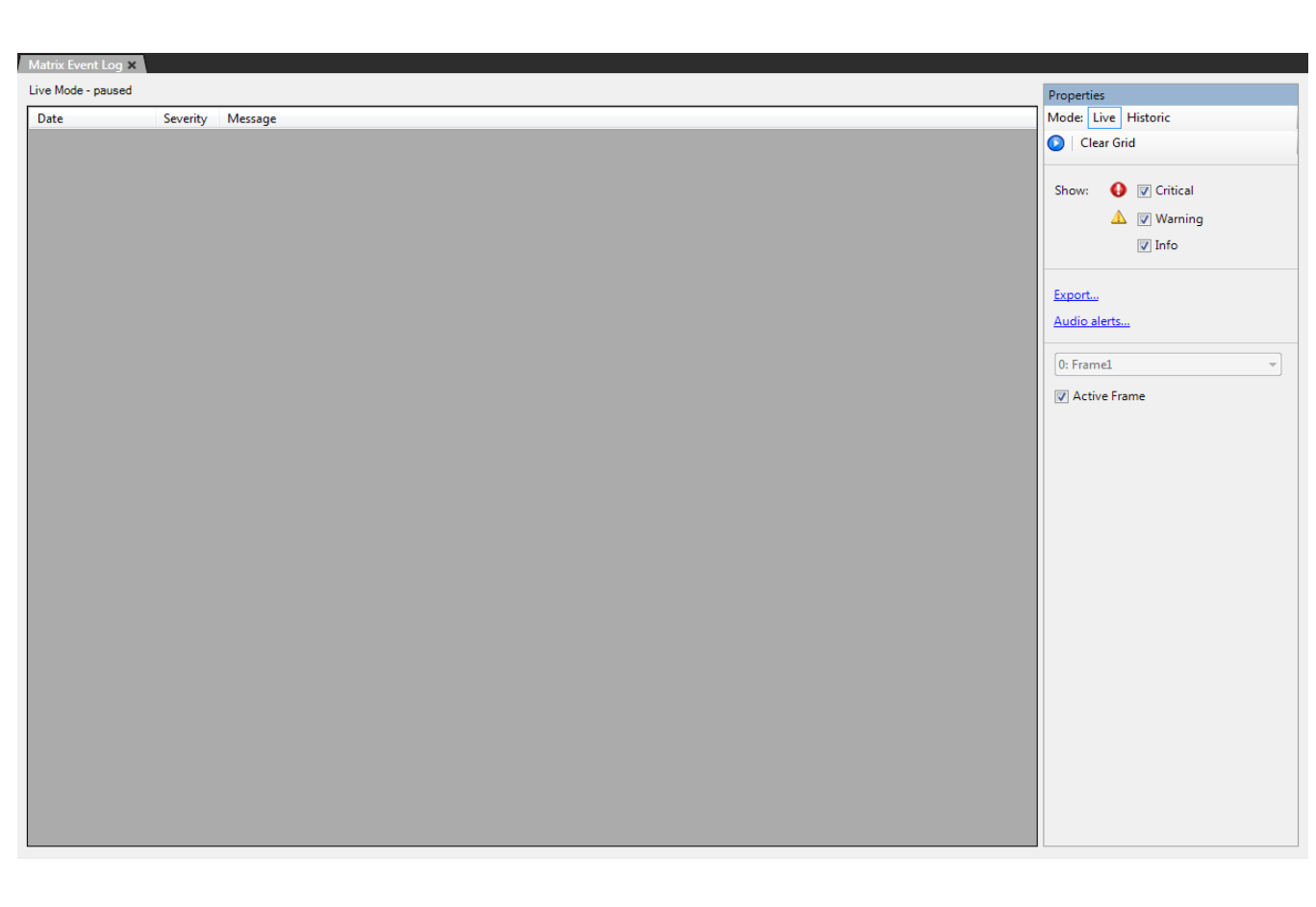
In Live mode, messages are displayed in the Matrix Event Log as soon as they are generated by the matrix. In Historic mode, EHX makes a connection to the database. The user sets search criteria and the resulting messages are displayed on screen.
The Matrix Event Log gives the EHX user information about the state of the matrix that is helpful in diagnosing and repairing problems.
-
Select Diagnostics > Event Log.
-
Select the event types to be logged in the Properties pane by clicking on the required checkboxes. The message types that can be selected for logging are Critical, Warning and Information.
-
Set the logging mode to Live to report current messages, or Historic to display previous logged messages. In Historic mode the specific hour, minute, and second beginning and end dates to search can be set. Click Display when these parameters have been set to display the required log messages.
As soon as EHX is opened, it will log status messages in the background for any matrices in the active project.
-
Use the Export option in the Properties pane to export the log messages to a file for further processing.
| Note: | The logging export file is an XML file and can be imported into Excel using the speech quotes (“) as the delimiter. |