Speed Dial Setup
To setup a speed dial:
-
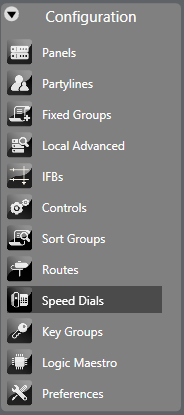
Select Configuration > Speed Dials.
-
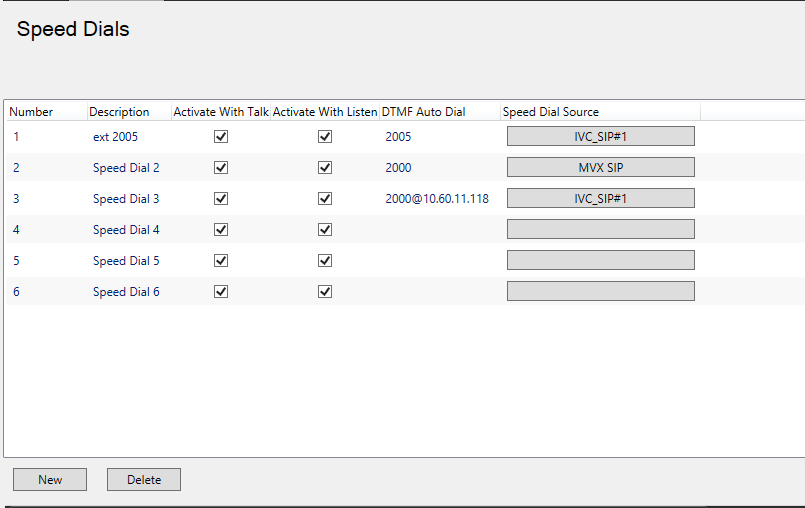
To add a new speed dial, click New at the bottom left of the speed dial window. A new speed dial entry is created with the default description highlighted.
-
Complete the Description, Activate with Listen, Activate with Talk, DTMF Auto Dial number and the Speed Dial Source fields (the port that the DTMF tones are sent from).
Note: A comma (,) may be placed in the DTMF sequence to add a pause of 500ms between digits or before the DTMF sequence if required.
-
Create a control using the Controls link on the Configuration menu. Then attach the speed dial to the control by selecting the control so that it is highlighted. Then select the required speed dial from the Available members pane and click on the right arrow to transfer it to the Attached members pane. The speed dial is now attached to the control.
-
To detach a speed dial from a control simply select the control and then select the speed dial to be detached in the Attached members pane. Click the left arrow to move it back to the Available pane.
-
Program the label of the telephony Interface and the Control to activate the Speed Dial from the panel Programming screen.
-
Apply to the Matrix by an Apply Label Changes download.
-
To activate the Speed Dial, select the Label of the telephony Interface, then select the label of the Speed Dial’s control.