V-Series Lever Key Panels
To select a connected V-Series lever key panel:
-
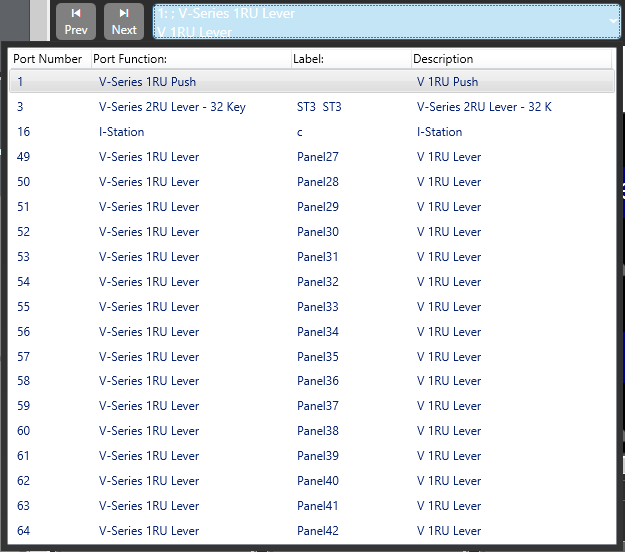
From Configuration > Panels, select the required panel from the drop-down list or use the < > icons to step through the list of panels.
-
To assign keys, click on the required item in the list of available labels, and then drag the items to the required key and drop them over the display corresponding to the key. Click on the mouse to confirm the assignment.
| Note: | You can change the position of the Reply key by selecting REPLY in the Special Entities section and dragging it to the required key. You can also move the key by clicking and dragging it from its current location and dropping onto a new location. |
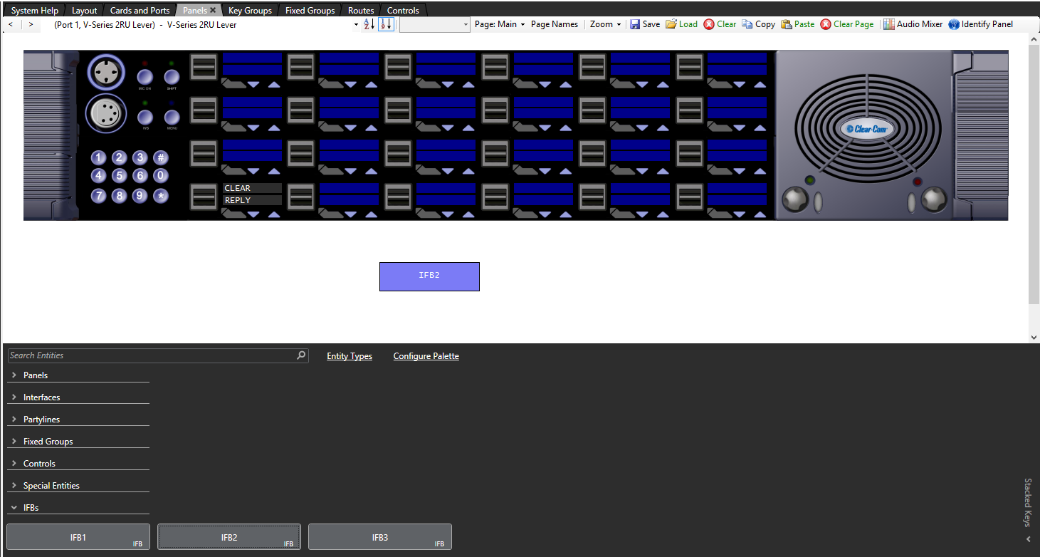
Each blue display window is divided into an upper and lower section with the upper section being the listen label and the lower section being the talk label. This corresponds to the lever key action to activate the talk or listen routes (up to listen, down to talk).
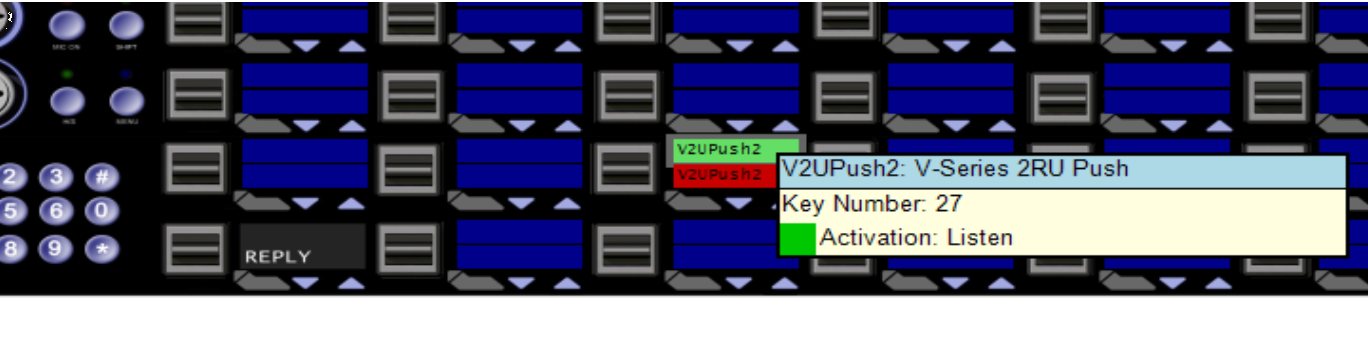
If the mouse pointer is positioned over a key display/label the details of the label are displayed.