Expansion Panels
Host panels can support up to eight expansion panels.
To add an expansion panel:
-
Select Hardware > Cards and Ports and select the port for the host panel.
-
Select Panel Options > Expansion Panels.
-
Click + to add an expansion panel.
Note: Click X to remove an expansion panel.
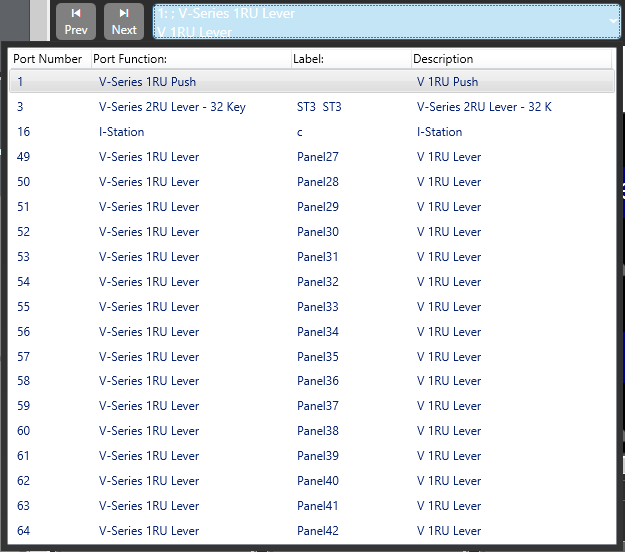
To display the expansion panel mimic, from the panel programming screen, open the drop-down list (normally displaying Main Panel) to show the list of all the expansion panels configured and select the required expansion panel.
Labels are assigned to keys in the same way as main panels and the option menu is available.
| Note: | Supervisor mode does not work for expansion panels. |