ICS-22 Panels
To use an ICS-22 panel, it is configured as an ICS-1008 panel. See ICS-1008 and ICS-1016 Panels.
Any Talk keys MUST be placed in the lower row to ensure that they control Talk routes, and that the panel Talk/Listen switch controls the Listen routes.
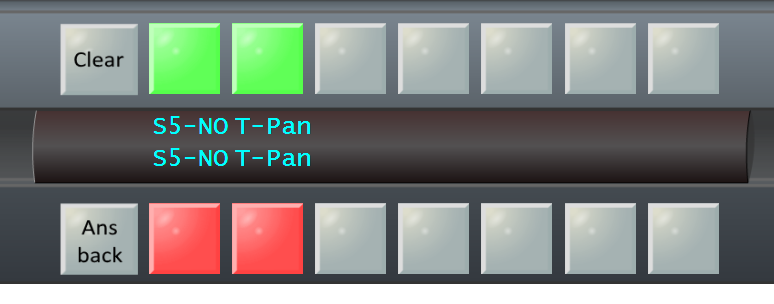
The image below shows a key labeled as S5-NO configured on channel A, and a key labeled as T-Pan configured on channel B.