ICS-1008 and ICS-1016 Panels
| Note: | The illustrations in this |
-
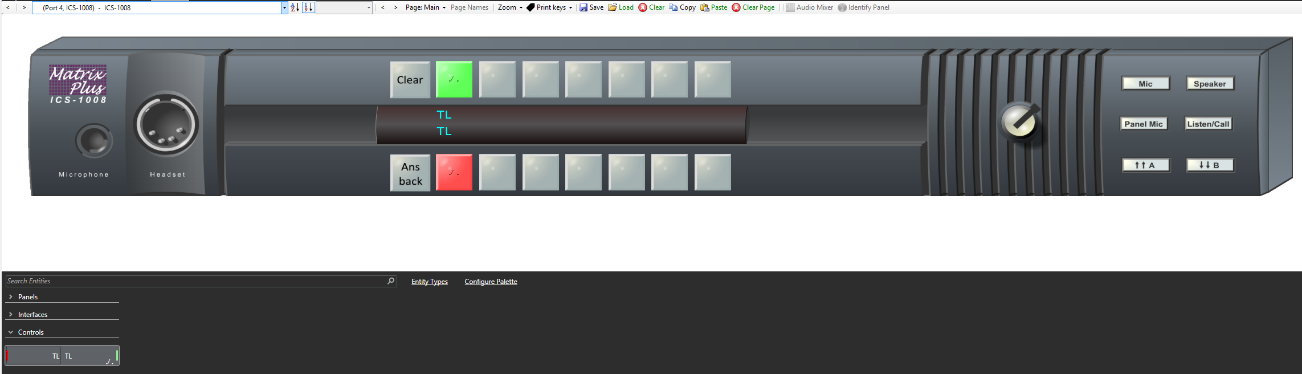
Select Panels from the Configuration menu to display the panel options toolbar and select the panel from the drop-down list or use the > icons to step through the list of panels.
-
To assign keys drag items from the list of available sources and destinations to the required key and drop them over the display corresponding to the key.
-
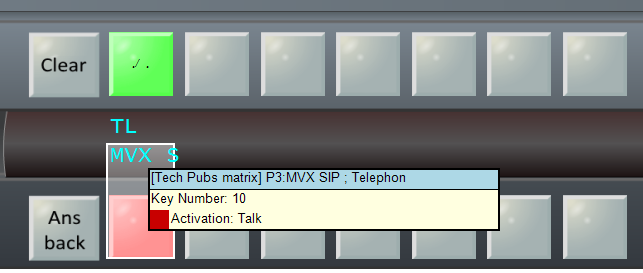
Position the mouse pointer over a key display/label to display the details of the label.
-
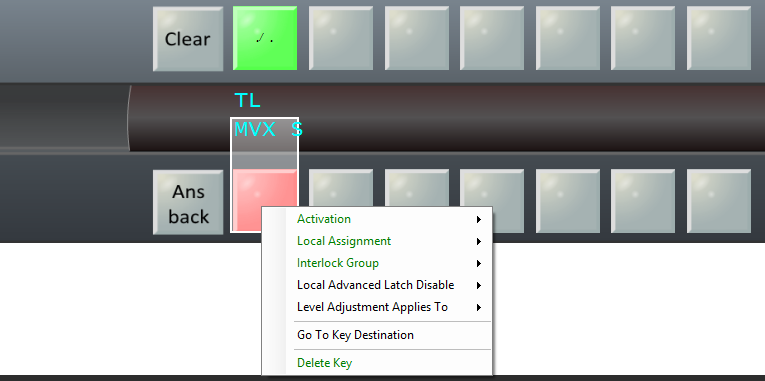
To display the action menu for a key, position the pointer over the label and right-click the mouse.