Adding an E-FIB Card (Manual)
To add an E-FIB card:
-
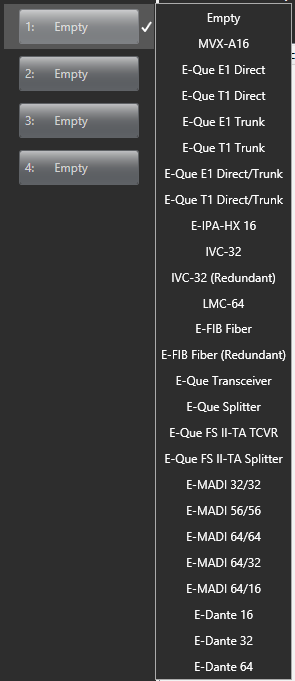
In Hardware > Cards and Ports, navigate to an available slot number (marked Empty). Do either of the following:
-
Double-click the slot.
-
Right-click the slot and select Set Card Type.
-
A drop-down menu is displayed, listing the available card types. Select either E-FIB (Fiber) or E-FIB (Redundant).
Note: Only one E-FIB (Fiber) and one E-FIB (Redundant) card can be added. Clear-Com recommends that E-FIB cards are fitted to slots 6 and/or 7 of Eclipse HX-Median matrices, slots 14 and/or 15 of Eclipse HX-Omega matrices and slot 4 of Eclipse HX-Delta matrices.
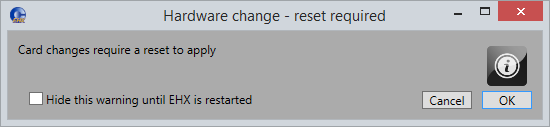
Note: When you add or remove a card in your configuration, the following message appears:
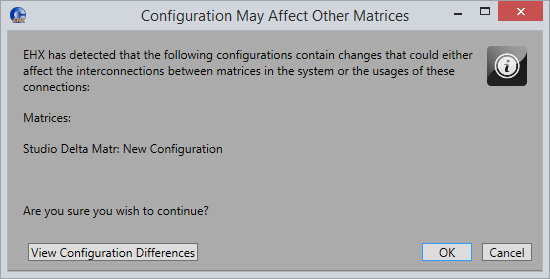
If your configuration contains linked matrices, the following message might appear when you apply changes to the matrix:
-
Click View Configuration Differences to see a list of possible interconnection issues.
-
Click OK to continue or Cancel.