Upgrading
To upgrade the Arcadia Station and connected resources:
-
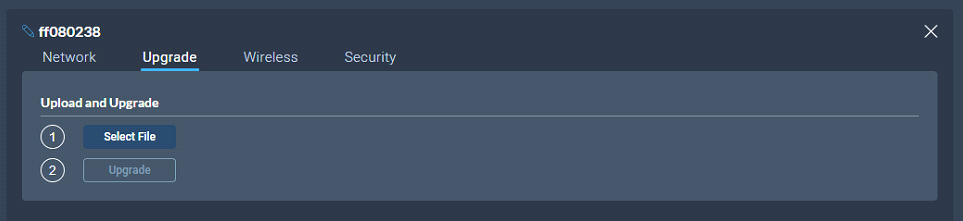
Select the Upgrade tab.
-
Select File then navigate to where the upgrade file is stored on your computer.
-
Select the file and when the Upgrade button lights, click it. This begins the upgrade process.
| Device to upgrade | File extension |
|---|---|
| Arcadia Station, FS II IP TCVR, FS Edge IP TCVR | .ccf |
| FS II beltpack, FS II E1 TCVR | .fww |
| FS Edge beltpack | .ccu |
| HelixNet | See HelixNet Upgrade below |
HelixNet Upgrade
Upgrades to the HelixNet system are included with the Arcadia software. The HelixNet system requires that all connected devices have the same firmware. Therefore, any mismatches that are detected will cause an immediate and automatic upgrade (or downgrade) to the HelixNet devices on connection. The HelixNet system will also upgrade automatically when the Arcadia Central Station is upgraded.