Registering FreeSpeak Beltpacks
Before you can use a beltpack, you must register it. This enables the Arcadia Central Station to associate the beltpack with roles and assigned keys.
You can register a beltpack in two ways:
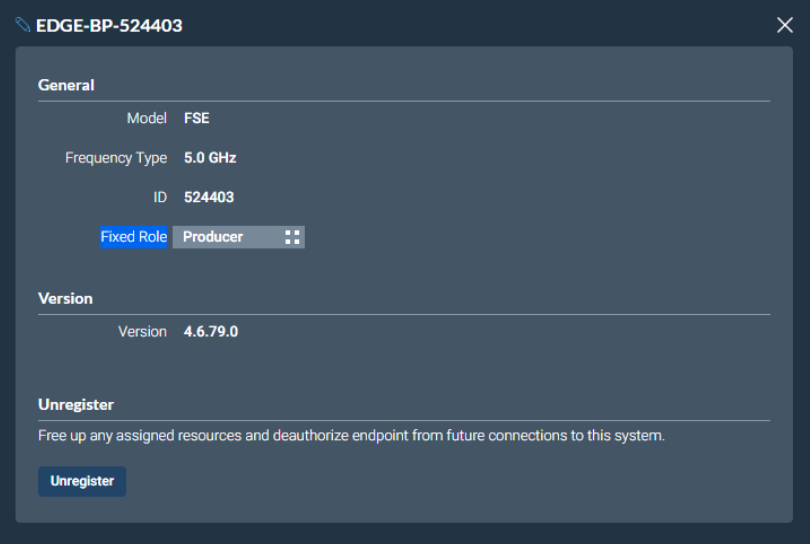
- By USB cable. When registering a beltpack in this way, a role that assigns keys to the beltpack is automatically created for the beltpack. The role can be edited as required in the Configuration > Roles page of the CCM.
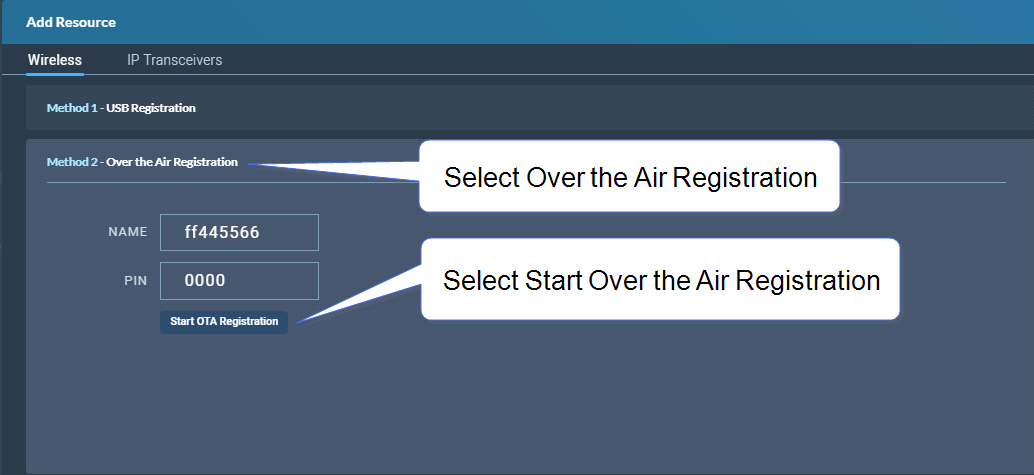
- Over The Air (OTA). When you register a beltpack in this way you must create a role for it manually in Configuration > Roles before the beltpack can connect.
 Registering a beltpack by USB cable