Introduction
Arcadia supports HelixNet wired partyline intercom, including the remote station, the speaker station and the beltpacks. HelixNet user stations connect to Arcadia via an ethernet network and HelixNet keysets can be assigned to any HelixNet enabled channel in the Arcadia system. Each HelixNet enabled channel requires an Arcadia licensed port.
HelixNet beltpacks, remote stations and speaker stations are connected to the Arcadia on the LAN port that is configured for the HelixNet network (default LAN 1) via an Ethernet network.
HelixNet user stations can also be connected to the Arcadia via the HelixNet Powerline Device. HXII-DPL acts as a bridge between Ethernet and Powerline, enabling connection and powering of devices on the Powerline using standard XLR microphone cable and passive splits.
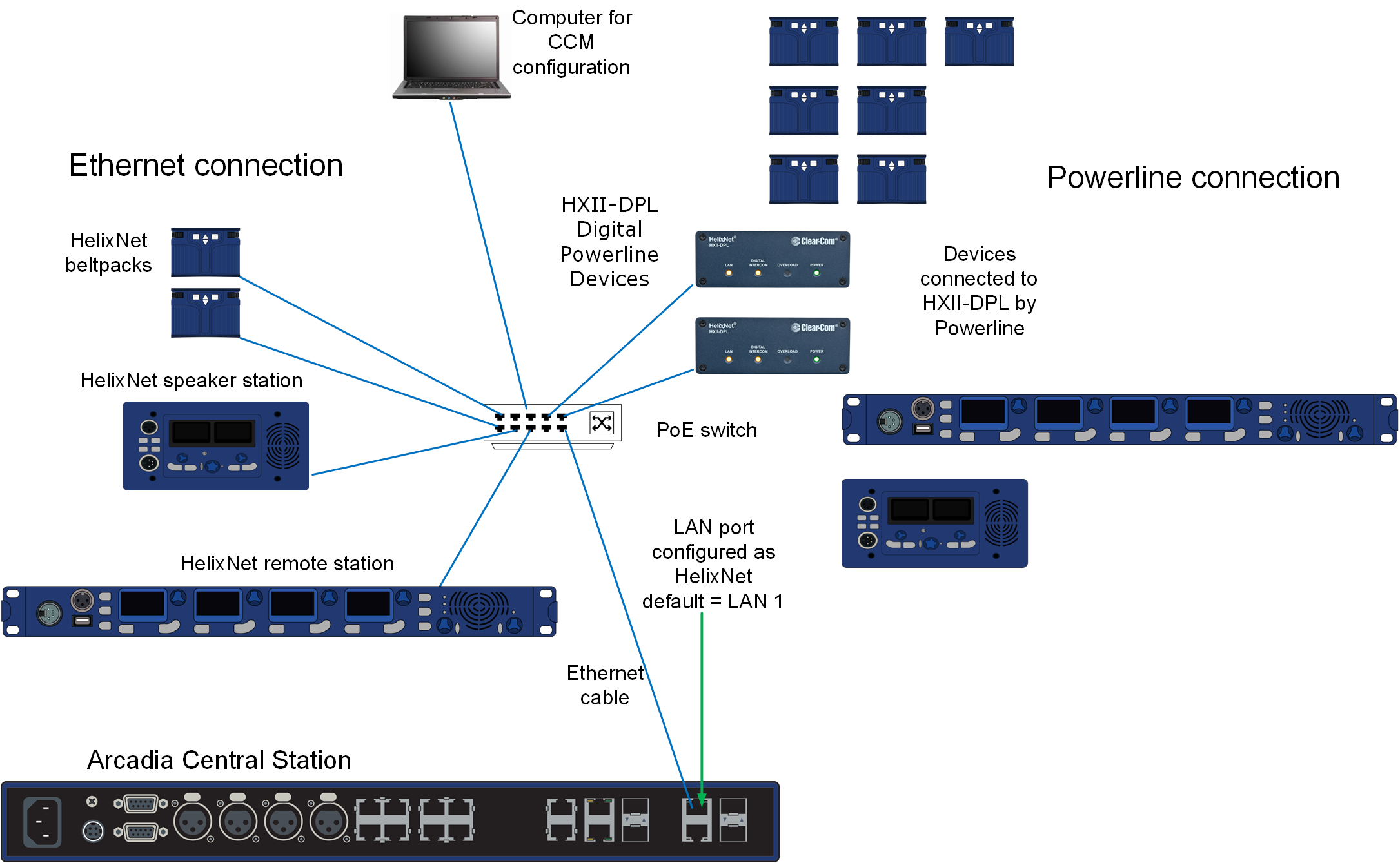
| Note: | Arcadia's HelixNet network is combined with the Management network. |
| Note: | When using an IEEE-802.3af compliant PoE switch, be sure to note the switch's power budget. Each HXII-BP requires 4 Watts of power. The HelixNet remote and speaker station each require 15.4 Watts of power from the switch. Do not exceed the power budget of the switch when attaching devices. For devices connected via Powerline see the HelixNet Powerline Calculator available from the HelixNet Knowledge Center. |
| Note: | You can enable up to 24 channels for HelixNet. How many channels you use is limited by how many port licenses you have. One HelixNet enabled channel consumes one port license. |
| Note: | User station keysets can be assigned to any HelixNet enabled channel. |
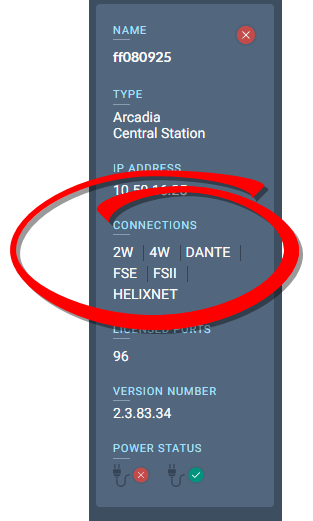
| Note: | HelixNet should be listed in the CCM under Hardware>Host. If it is not listed and your device is manufactured before June 1st 2022 it may require a HelixNet activation license. Please contact Clear-Com Sales for further information. |
See the HelixNet for Arcadia User Guide, available from the HelixNet Knowledge Center or more information on the HelixNet system and components.