HelixNet Connections - General Outline
Before connecting HelixNet beltpacks you must have:
At least 1 channel enabled for HelixNet (by default, channels 1 - 4 are enabled). See Enabling Channels for HelixNet
Sufficient number of licensed ports for the HelixNet enabled channels (max 24)
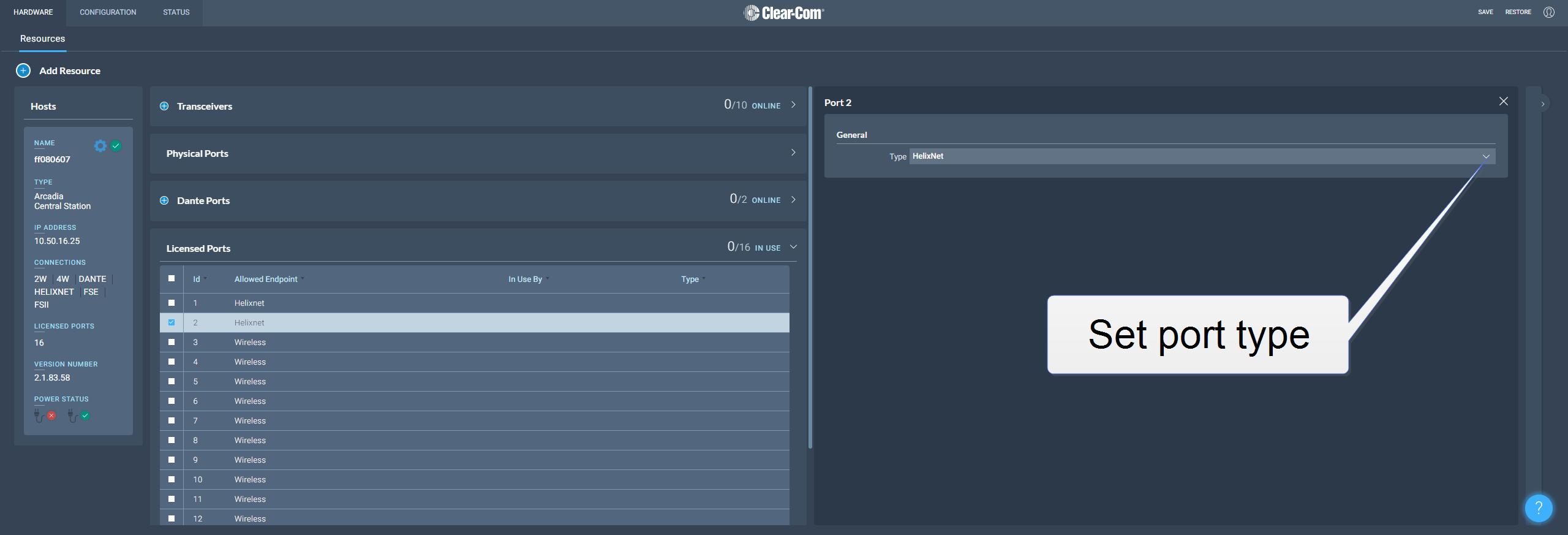
Port Type on at least 1 licensed port set to type Any (default) or HelixNet. If this is not done, HelixNet keysets cannot be assigned
For a quick test setup, you can work with the default settings which allow licensed ports to be used for any function and have 4 channels HelixNet enabled. For a full installation, you can enable channels and create roles for HelixNet beltpacks, remote stations and speaker stations.